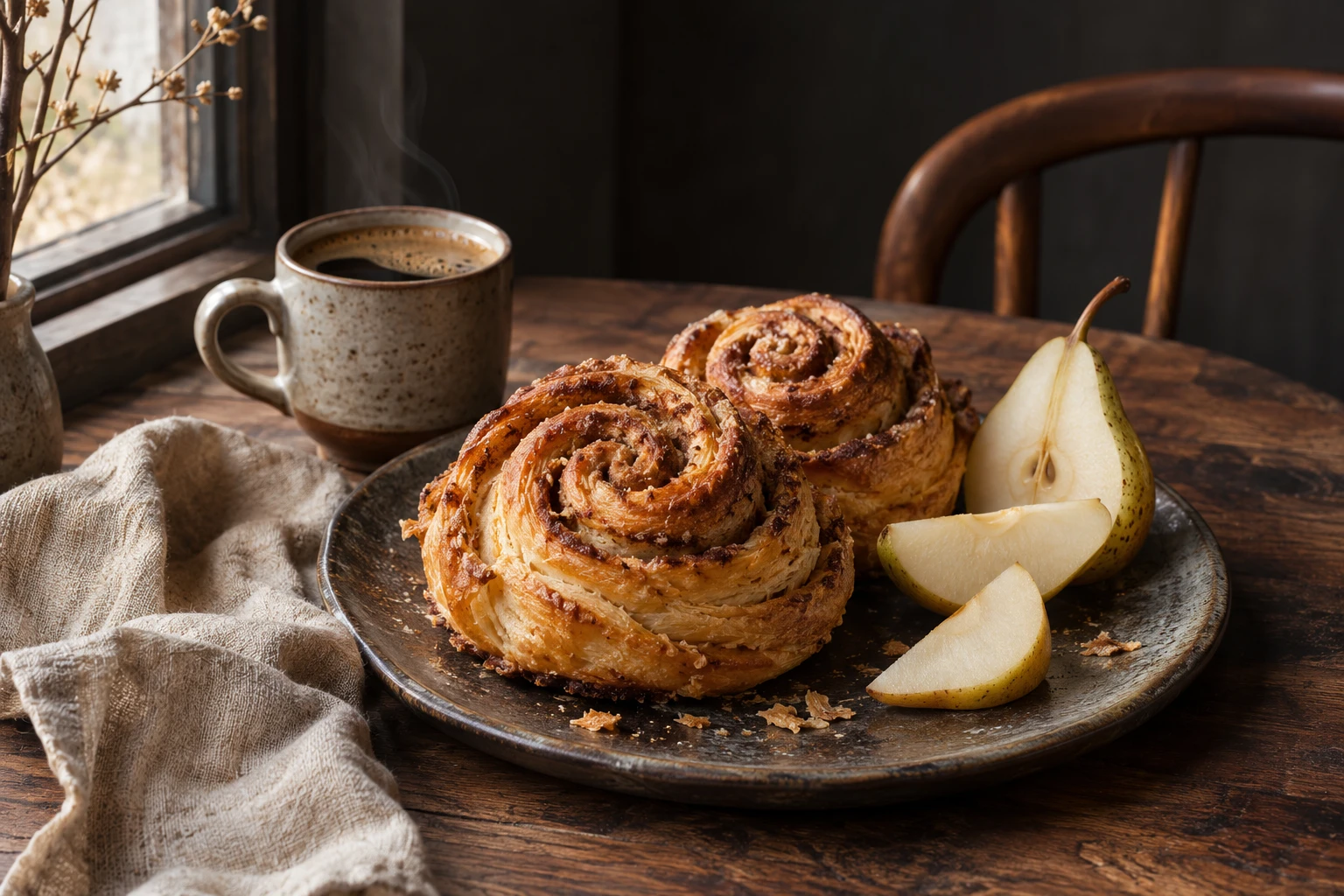
Natural light, rich detail
Explore texture and atmosphere in a warm editorial still life.
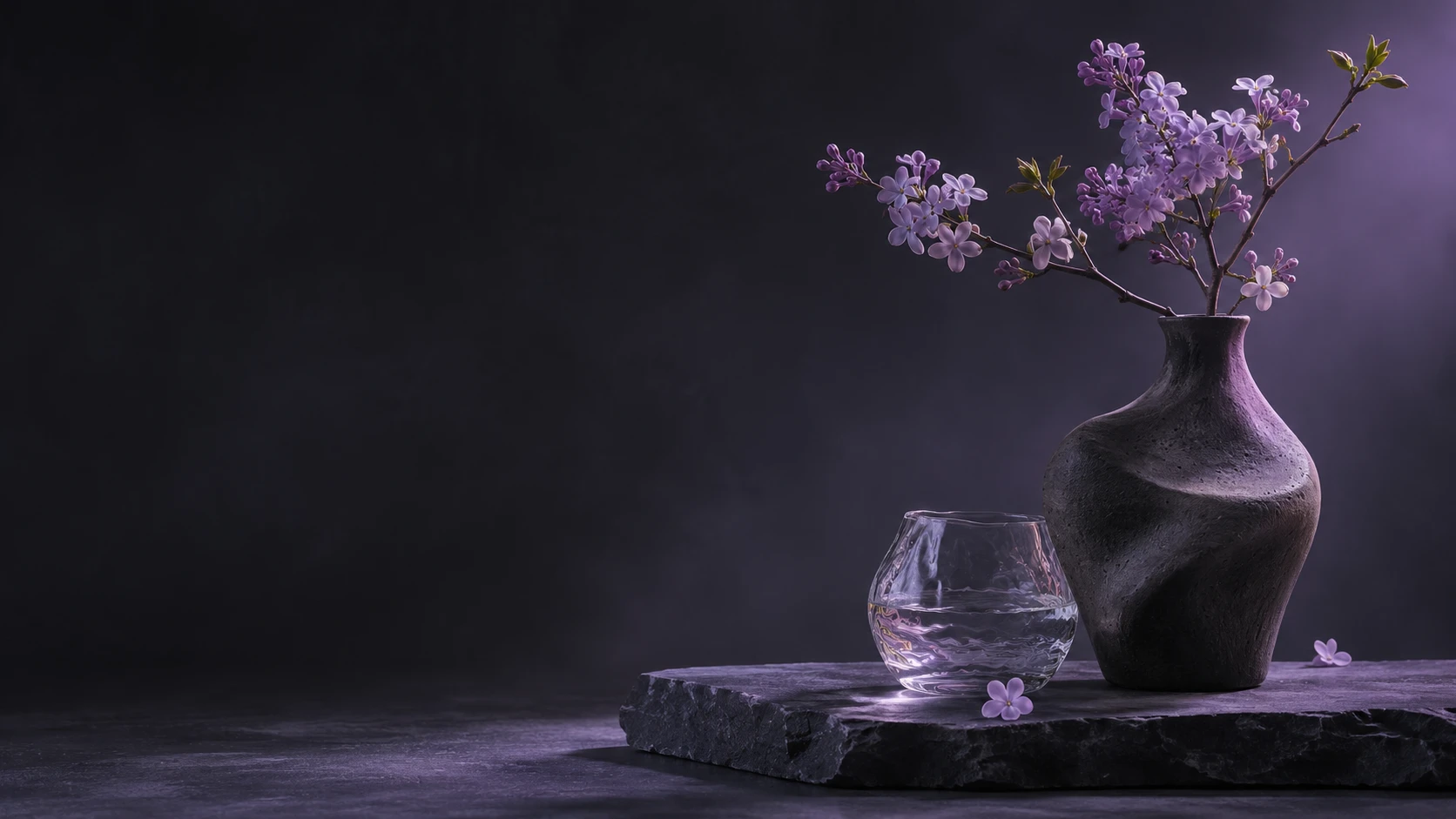
Bring ideas into focus with Seedream 5.5. Create detailed images, refine your references, and make transparent PNG assets in up to 2K.
Start CreatingPNG, JPG, WEBP. Up to 10 images, 10MB each.
An original concept with soft light, warm tones and detailed food textures.
Photograph a warm breakfast still life with fresh bread, seasonal fruit and a ceramic cup. Use soft window light, fine natural textures, subtle steam and an editorial composition. No logos or text.
Een suggestie op basis van dit voorbeeld, niet de oorspronkelijke prompt. Resultaten kunnen verschillen.
Original concept artwork inspired by product photography, editorial still life and poster design.
Explore texture and atmosphere in a warm editorial still life.
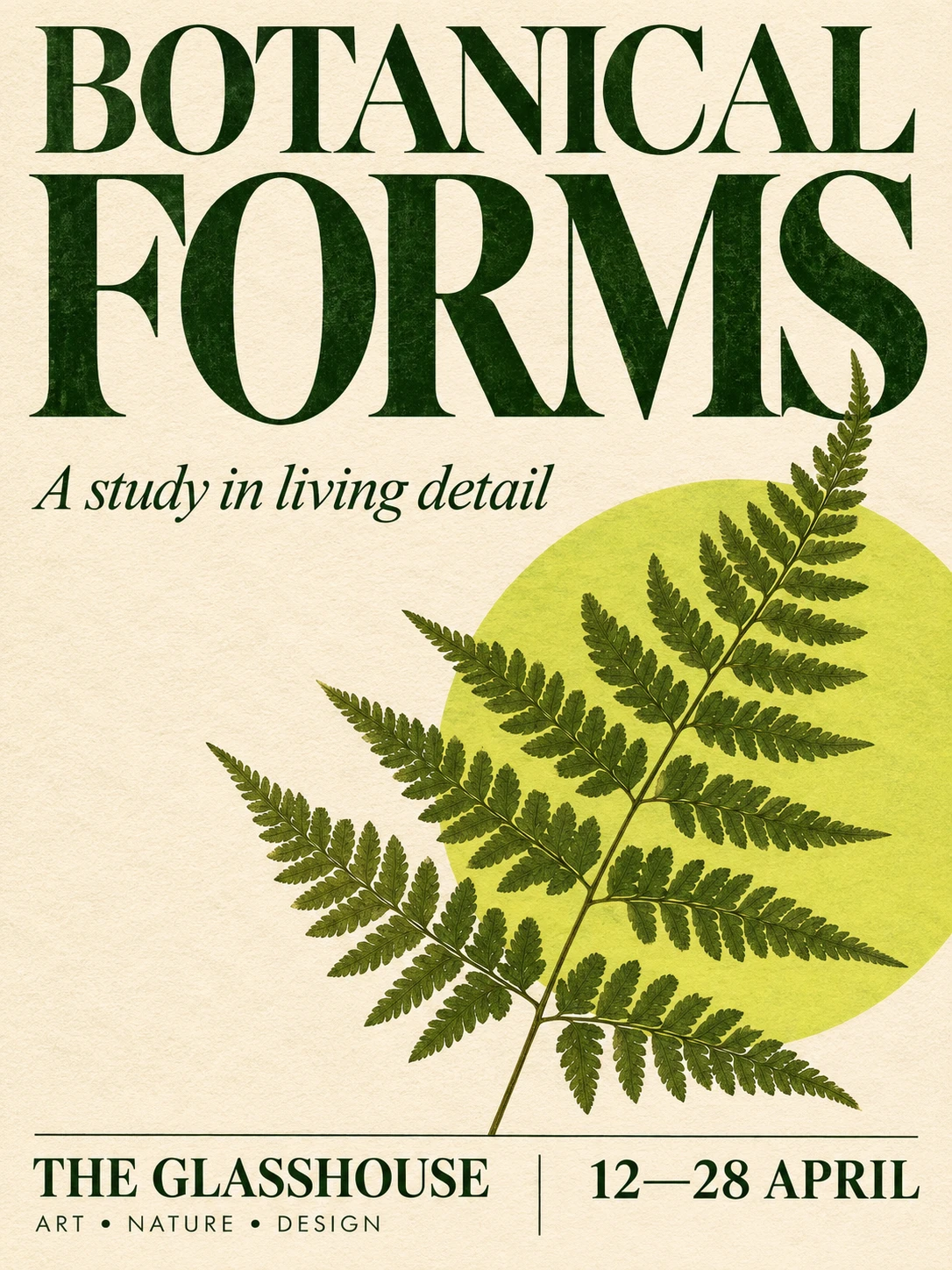
Combine expressive typography and botanical illustration in a poster concept.
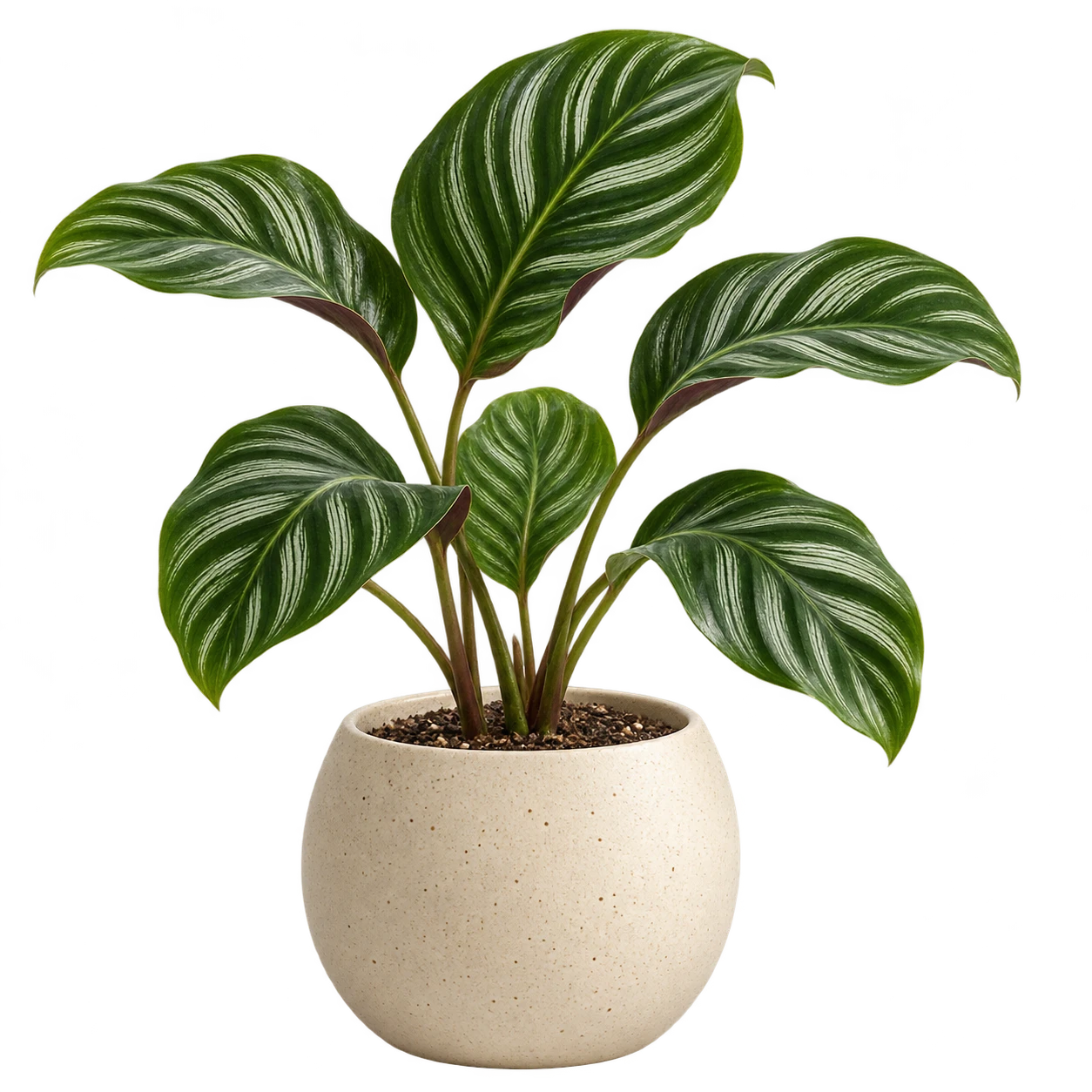
Create isolated product assets for flexible compositions.
Describe your subject, composition and light to explore a new visual direction.
Bring up to 10 images into an edit. Describe the details to change and the elements you want to preserve.
Choose a transparent background to create assets for product layouts, presentations and visual compositions.
Choose 1K, 1.5K or 2K. Preview the credit estimate before generating one image per request.
Use square, portrait, landscape or ultrawide formats. Image editing also offers an automatic ratio.
Start with a brief or a reference, choose your output, and develop your next image.
Start CreatingExplore creative directions for products, campaigns and everyday storytelling.
Start CreatingCreate illustrations and transparent assets to work into a larger design.
Develop campaign concepts and art direction for different placements.
Build product still-life scenes and reference-led visual variations.
Explore detailed imagery, editorial concepts and poster layouts.
A shared workspace for text-to-image generation and reference-guided image editing.
Start CreatingTurn a detailed written brief into a single new image.
Provide images alongside a prompt describing the change.
Request a PNG with a transparent background for flexible compositing.
Select 1K, 1.5K or 2K to fit your intended use.
Choose from eight fixed aspect ratios, plus auto for image editing.
Start with your own idea, explore the details, and make it yours.
Create, edit and refine